ChronoMap for Windows
The interactive world clock and time zone map — free on the Microsoft Store. A 2D map, a 3D globe, live city times, and a Discord timestamp generator, in a dedicated Windows window.
Get it on the Microsoft Store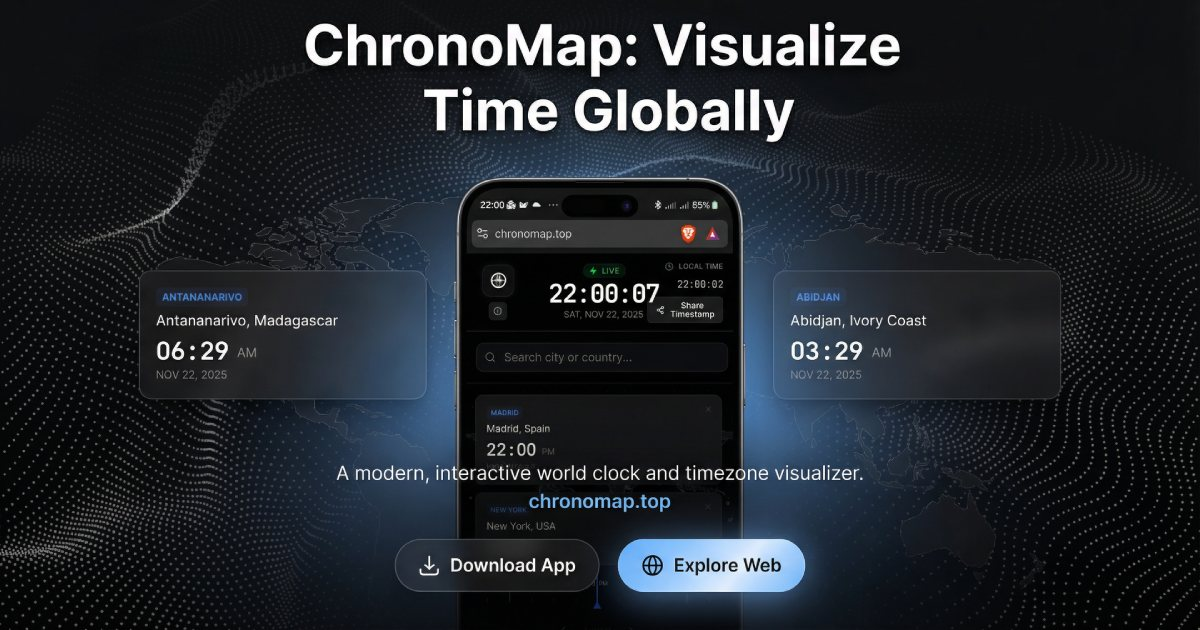
What you get
Interactive world map & 3D globe
Hover any country for its live local time. Switch between a flat 2D map and a rotatable 3D globe.
Compare cities live
Pin as many cities as you like and see their current times side by side, updating every second.
Travel through time
Scrub forwards or backwards to see what time it will be — or was — anywhere in the world.
Discord timestamps
Generate codes that render in each user's own time zone — built in and free.
How to install
- Open the ChronoMap listing on the Microsoft Store.
- Click Get / Install — it's free, no account needed.
- Launch ChronoMap from your Start menu. Prefer the browser? It also runs at chronomap.top.
Frequently asked questions
Is ChronoMap for Windows free?+
Yes — completely free on the Microsoft Store, no ads and no account required.
Do I need the app, or can I use it in a browser?+
Both. ChronoMap runs in any browser at chronomap.top; the Microsoft Store app gives you a dedicated window on Windows 10 and 11.